

Neffi
NFC Cards Connected to a Living Digital Identity
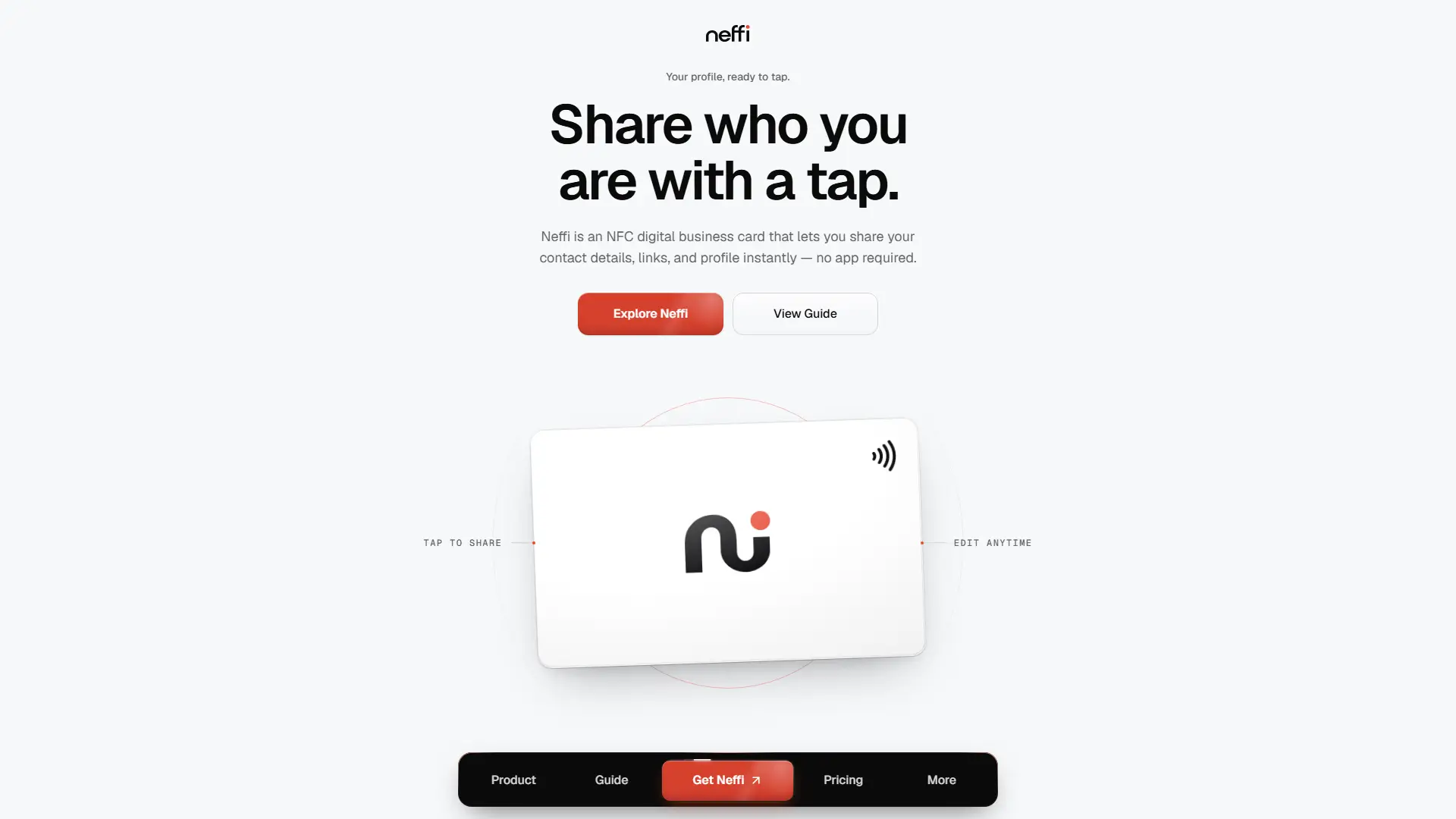
Neffi connects a physical NFC card to an editable online identity. Each Digital Business Card carries one permanent URL, while customers securely activate it, set up their Profile, and choose what to share through Scenes. A tap or Sharing QR opens the published experience without visitor sign-in.
Project Links
Explore Neffi’s live site or inspect the product architecture and implementation.
A physical card should not become outdated when someone’s information changes
Rewriting an NFC tag after sale is impractical. Contact details, links, appearance, and the context someone wants to share can all change. I built Neffi around that mismatch: keep the physical card stable, and give customers control over the experience behind it.
One permanent card, changeable software
The tag is written once with a permanent public URL. On every tap, the server checks the Card’s current availability and resolves its connected Profile. Routing, ownership corrections, disabling, and retirement happen without rewriting the tag. The token is an address, not an ownership credential.
Physical NFC card
Written once during preparation.
Permanent /c/{token}
The same address for the life of the card.
Current Card state
Resolved fresh on the server.
Profile
The connected identity and appearance.
Shown Scene
The selected Scene, or the Default.
Blocks
The content a visitor can act on.
From stock to someone’s next introduction
Sell & allocate
A paid order takes Ready stock first, then unused Blank cards when available.
Prepare
A newly allocated Blank card receives its permanent URL token and activation credential.
Write & verify NFC
Write the URL, read it back, test the tap, and match the printed package code before release.
Release
Hand over or ship the prepared card from its Order.
Activate
The customer enters the package code, signs in, and claims ownership in one transaction.
Set up a Profile
Guided setup creates the identity, content, and appearance before publishing.
Tap & share
NFC and the card’s Sharing QR open the currently published experience without visitor sign-in.
Buying a card is not the same as owning it
Gifts and bulk purchases make the distinction important. Payment records a sale; secure activation establishes digital ownership. Neffi keeps four concepts separate instead of treating a matching name or email as a reason to join them.
Purchaser
The commercial buyer on an Order. They may be buying for someone else or for a team.
Account
The authenticated person who claims Cards and manages their digital content.
Card
The physical item, with separate ownership and routing. Its public URL does not prove ownership.
Profile
The content workspace a Card points to. Multiple Cards can connect to the same owned Profile.
One identity, different ways to show it
A professional introduction and a project conversation need different emphasis. Scenes let customers change what they show without re-entering their identity or changing the card’s destination. Visitors can save contact details, follow links, open booking links, or send a form message where configured.
Profile: the shared foundation
Identity and appearance belong to the Profile and stay consistent across its Scenes.
Scene: the content in focus
The shown Scene falls back to a protected Default. Its ordered Blocks hold About, Project, Link, Contact, Booking, and Form content.
The product also needs an operational side
Behind the customer experience are physical cards that need to be sold, prepared, verified, and delivered. Neffi connects orders and payments to card inventory, NFC preparation, and fulfilment. Support Cases provide guarded paths for corrections, recovery, and replacements after release. These workflows share the same domain services as the customer product within one Next.js modular monolith.
Keeping ownership and operations reliable
Business rules live below the UI
PostgreSQL constraints, triggers, and foreign keys protect card states, ownership, and order rules alongside application services. A screen is not the only thing preventing an invalid transition.
Concurrent writes are part of the design
Multi-record changes run in transactions with explicit lock ordering and re-checks under lock. Two-session PostgreSQL regression checks exercise competing claims and operational writes.
Credentials have a narrow path
Activation codes and OTPs stay out of URLs, logs, analytics, and browser storage. Usable activation codes are encrypted at rest and revealed only through audited owner actions; claims verify against a separate keyed lookup.
Building the product behind the tap
The visible interaction is simple: tap a card and open the right experience. The work behind it connects physical preparation, ownership, activation, publishing, fulfilment, and support so the product can remain manageable long after the card leaves my hands.
Neffi is deployed at getneffi.com, where the physical card and digital experience come together.